Free
£0
No card. No trial clock.
- 100 notes
- 3 active projects — archived ones cost nothing
- Unlimited tasks, because a task list with a ceiling is not one
- Links, tags and search, none of them counted
- Export, always
Your personal productivity app
Most productivity apps are bloated and expensive.
Continuo puts your notes, tasks and projects in one simple app. Free to start, then £2 a month.
Why Continuo? In music, Continuo is the steady bass line that holds everything else together. That’s the job here: the steady part underneath your work.

Notion
Provides a system to build.
Todoist
Gives you a list to manage.
Asana
Lets you manage a project with a team.
Continuo
Gives you notes, tasks and light project management in a single place.
Notes · Tasks · Projects · Links
Create tasks right inside your notes as you write, and they show up in your day automatically.
See all your tasks as a Kanban board. Name your own columns, drag a card to move it, and anything overdue stands out.
When something needs a little more organisation, create a self-contained project. Its brief, notes, tasks and links stay together, its milestones keep their dates in front of you, and its tasks run as a list or a Kanban board.
Save a site and tag it kitchen, and it joins the note and task about the kitchen. One tag vocabulary, everywhere.
Type it. Say it. Forward an email to your own private capture address. It becomes a task before you have finished reading it.
Import a Teams meeting transcript and get a summary, key points and next steps.
A proper editor — headings, lists, checklists, quotes, callouts and images.
Sub-tasks, priorities and files attached to the task that needs them.
One tag vocabulary across notes, tasks, projects and links.
Universal search.
Boards with bespoke columns, and milestones that keep their dates.
Shareable notes.
Email reminders for tasks that need your attention.
If you cancel, take your data with you. Easy export to Markdown and CSV.
iPhone · Android · Mac · Windows
We don’t have an app yet, but it’s in development. In the meantime, add Continuo from the browser you are already in, and it takes its own icon on the home screen, opens full screen, and stays signed in.
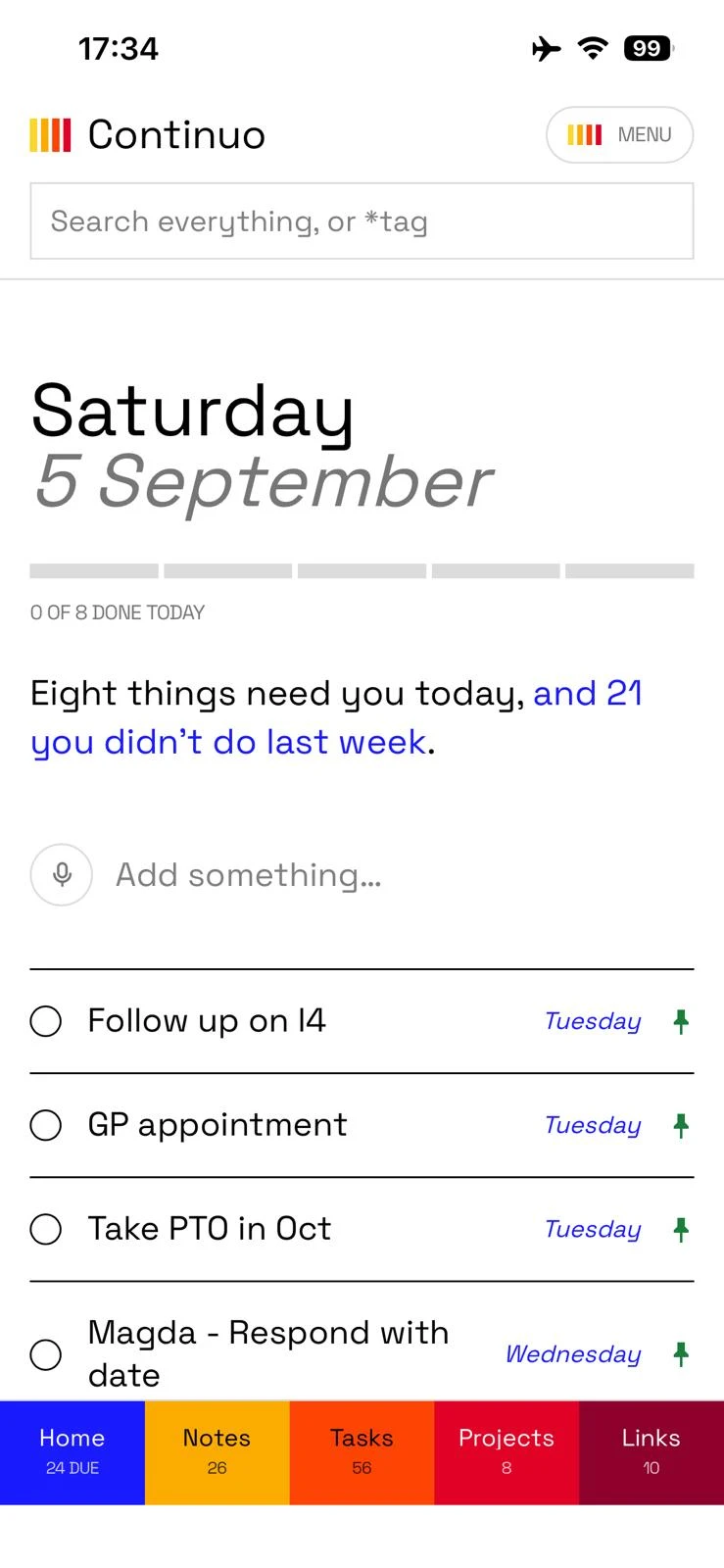
iPhone and iPad
In Safari
Share, then Add to Home Screen.
Android
In Chrome
The three-dot menu, then Install app.
Mac and Windows
In Chrome or Edge
The install icon at the end of the address bar.
The steps in full, including what to do when the option is not where it should be.
One subscription, and it is the only thing there is to buy.
£0
No card. No trial clock.
£2 a month
Or £20 a year — save £4.
No tiers, no seats, nothing held back for a plan above it. Go over a ceiling and nothing is hidden or deleted — you simply stop adding until you are back under, or you subscribe.
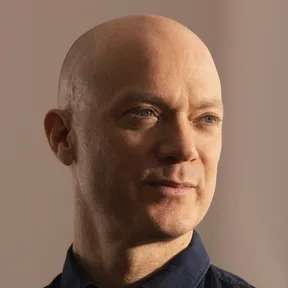
Made for one person at a time
I’ve tried almost every productivity app out there, and I could never find one that really suited me. They either felt bloated or too expensive for what they actually provided.
That’s what inspired me to create Continuo.
Think of it as if Notion, Todoist and Asana had a love child, built to help you stay organised across both work and home, without making organisation feel like another task in itself.
I built it for my own needs, and I hope you find it useful too.
— Nick Drake, creator
I also built Promptzilla 3000, for writing and testing AI prompts before they ship — promptzilla3000.com
And Vishwaclaudema, a Claude companion app that helps you get the most out of Claude — vishwaclaudema.vercel.app